
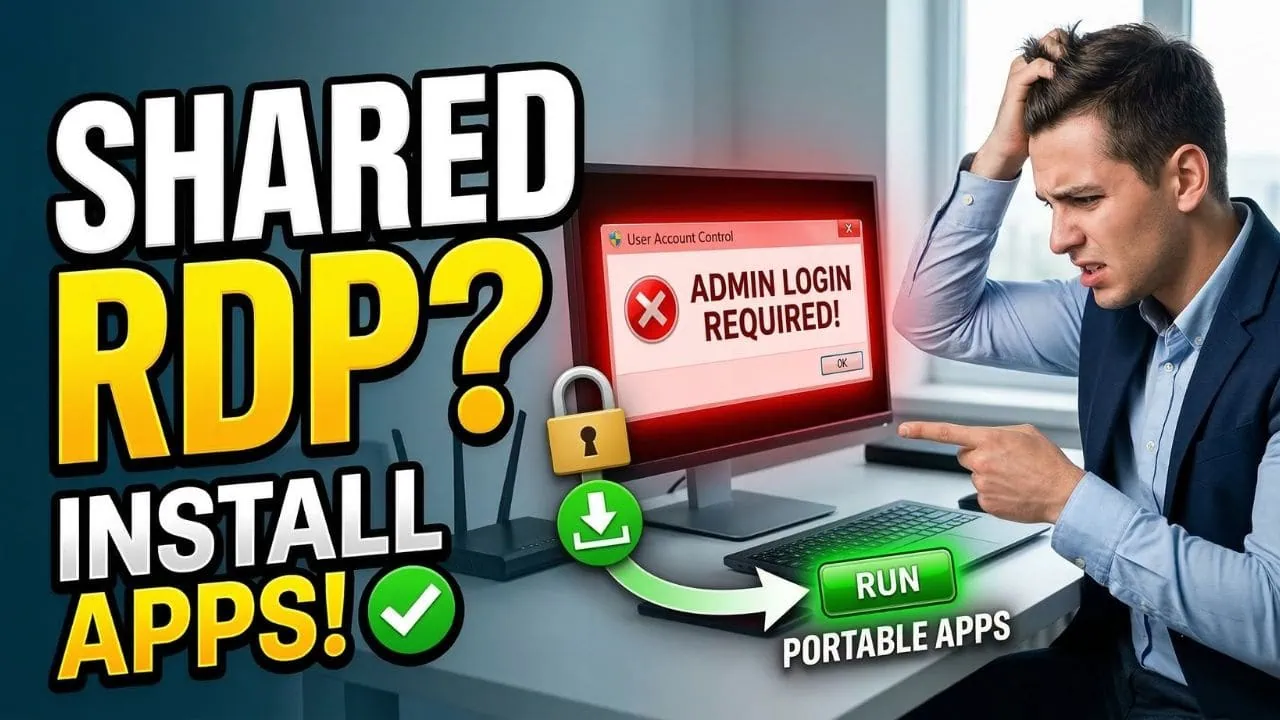

If you’ve ever used a shared RDP server, you’ve probably faced the same frustrating problem: you try to install a piece of software, but right away you’re stopped by a pop-up asking for the admin username and password.
Since those details are only with your RDP provider, it feels like you’re stuck and can’t install anything at all.
The good news is, there’s actually an easy way to run the apps you need without admin access—you just have to use portable apps.
What Are Portable Apps?
Portable apps are special versions of software that don’t need to be installed on a computer.
You can just download them, run the program directly, and start using it right away.
No admin rights, no installation, no hassle!
Where Can I Find Portable Apps?
The easiest and most trusted place to get portable apps is portableapps.com.
This website has a huge collection of the most popular software already in portable form.
Once you download an app from here, you won’t need to enter any admin username or password—you just open it, and it works.
If you’d like to see the installation process in action, check out this YouTube demo, where we explain exactly how it works in real-time.
What To Do If Your Software Isn’t Available as Portable
Sometimes, the app you’re looking for won’t be listed on portableapps.com.
In that case, you can try a simple trick. Go to Google.com and type the name of the software you want, followed by the word portable in the search bar and hit enter.
For example, if you’re searching for Firefox, type “firefox portable.”
You’ll see a list of websites offering portable versions.
Make sure to only download from trusted sites.
If you download from an unverified or shady website, you risk installing malware that could harm your RDP server or steal your data.
So make sure to always check the site’s credibility first.
Important: Before looking at third-party sites, it’s always worth checking the official website of the software you want. Some developers provide portable versions themselves. For example, SRWare Iron, a privacy-focused browser, offers a portable version directly on its official website. If your software provider offers one, that’s the safest option.
What If There’s No Portable Version At All?
If you’ve searched everywhere and can’t find a portable version, the best solution is to reach out to your RDP provider.
Send them a request and ask if they can install the software for you.
Usually, the support team can handle this quickly, depending on their availability.
And if you’re one of our clients, it’s even easier—just open a support ticket and we’ll install the software for you as soon as possible.
A Special Offer Just For You
You’ve made it all the way to the end, and that deserves something special.
As a thank-you, we are offering you an exclusive 20% discount on your first purchase at our website.
Just use the code “20OFF” at checkout to claim your discount.
But don’t wait too long. This offer is only available for a limited time, and once it’s gone, it’s gone for good.
