

Ever tried accessing a website only to get blocked because you’re connecting from a server or VPN?
It’s frustrating, especially when you’re just trying to get work done.
The problem isn’t you. It’s your IP address.
Websites are getting smarter at detecting non-residential traffic. If your connection looks like it’s coming from a data center, you are likely to face restrictions.
A residential RDP solves this problem completely.
It works like a regular remote desktop server, but it uses an IP address from a home internet provider. This makes your connection appear the same as someone browsing from home.
You get the reliability of a server with the trust of a residential connection. This combination opens doors that standard servers simply cannot.
If you prefer watching instead of reading, we have also explained the concept in a short YouTube video you can check out.
What Exactly Is a Residential RDP?
A residential RDP is a remote desktop server that uses an IP address assigned by a regular Internet Service Provider (ISP), the same type of provider that supplies internet to everyday homes.
Think of providers like AT&T, Comcast, or Spectrum.
When you connect through a residential RDP, your online activity appears as if it is coming from someone browsing at home.
Websites, platforms, and online services cannot easily distinguish between you and a typical home user. That gives you a significant advantage.
How Can You Tell It’s a Residential RDP?
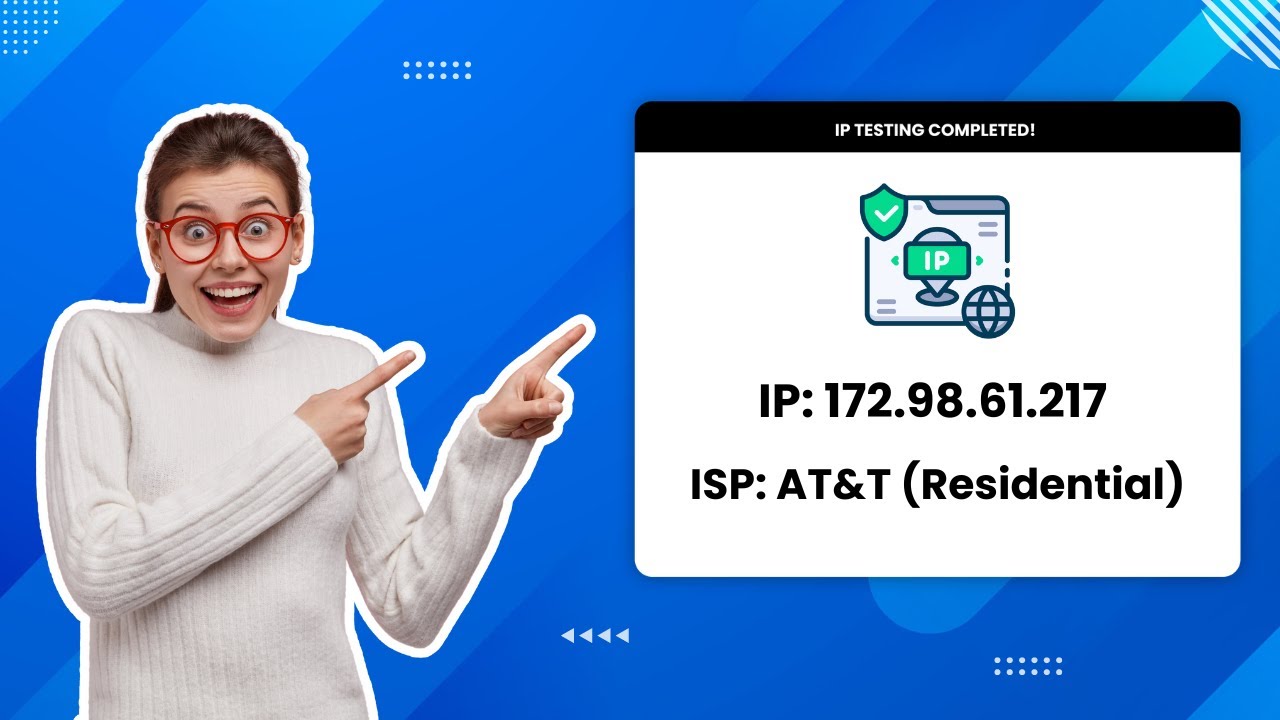
It’s simple to verify. Once you are logged into your RDP, visit a site like whoer.net and check your IP details.
If the results show a well-known consumer ISP, such as AT&T, instead of a data center or hosting provider, it means your connection is coming from a residential network.
That is the clearest indication that you are using a genuine Residential RDP with a valid Residential IP.
What Are The Key Benefits Of Residential RDP?
A residential IP makes your connection look more trustworthy, and that unlocks several practical advantages.
1. Access Geo-Restricted Content
Streaming platforms like Hulu and social platforms like Reddit actively block connections from servers, VPNs, and proxies.
With a residential RDP, your traffic blends in with regular home users, giving you unrestricted access to geo-locked content from any location.
2. Web Scraping Without Getting Blocked
Need to gather data from a competitor’s website for SEO research?
Many sites block server-based IPs to prevent scraping.
A residential RDP lets you run scraper bots under the radar since your requests appear to come from a normal household connection.
3. Create Backup Social Media Accounts
If you have ever had a social media account suspended or banned, you know how frustrating it can be to lose your audience overnight.
Creating a backup account from the same IP address is risky because platforms can link it to your original account and shut it down as well.
A residential RDP helps solve this problem. It allows you to create and manage backup accounts using a different residential IP address.
This keeps your accounts separate and significantly reduces the chances of them being flagged or restricted.
4. Create Backup Social Media Accounts
If you have ever had a social media account suspended or banned, you know how frustrating it can be to lose your audience overnight.
Creating a backup account from the same IP address is risky because platforms can link it to your original account and shut it down as well.
A residential RDP helps solve this problem. It allows you to create and manage backup accounts using a different residential IP address.
This keeps your accounts separate and significantly reduces the chances of them being flagged or restricted.
5. Access Region-Specific Pricing and Deals
Online prices aren’t always the same everywhere.
Many e-commerce sites use your IP address to tailor pricing based on your geographic location.
That means the same product can cost more or less depending on where you’re browsing from.
With a residential RDP, you can access the internet from different regions and view prices as local customers do.
This helps you discover better deals and avoid the higher rates that are often shown to data center or VPN-based connections.
6. Verify Your Ads and Protect Your Brand
If you run online ad campaigns, it is important to see your ads exactly the way your audience sees them.
A residential RDP lets you simulate real users from different locations by browsing with local residential IP addresses. This allows you to check how your ads appear in different regions and whether they are being displayed correctly.
It also helps you detect suspicious activity, such as fake clicks or bot-driven traffic, and ensures your campaigns are not being misused, misrepresented, or redirected without your knowledge.
Ready To Get Started?
If you are tired of blocks, flags, and limited access, a residential RDP can be the upgrade you need to work more smoothly and without interruptions.
If you are interested in getting started, visit www.rdparena.com and submit a support ticket explaining your use case.
Please note that residential RDPs are prone to being misused.
Because of this, requests are only approved for customers who have at least six months of account history and have not received any abuse notices during that time.
All approvals are made at our staff’s discretion. We reserve the right to refuse service even if the above criteria are met.
